
WiFi Routers
WiFi Routers Subcategories 2 Topics
Popular Collections in WiFi Routers High-Intent Filters
Nationwide Delivery
Karachi, LHR, ISB & all PK
Cash on Delivery
Pay at your doorstep
7-Day Easy Returns
Replacement guarantee
Technical Support
Port & cable assistance
100% Tested Quality
Lossless signal & fast speed
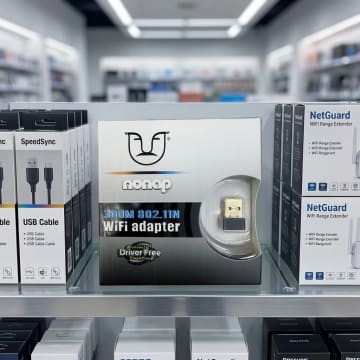
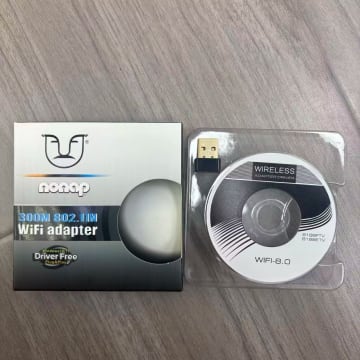
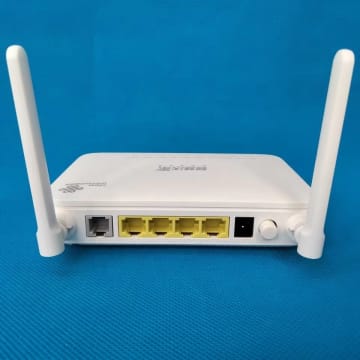
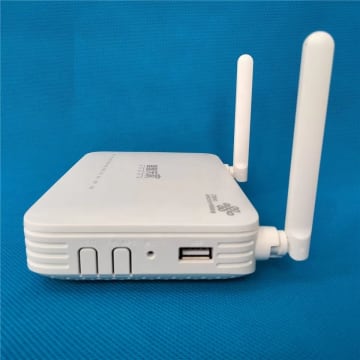


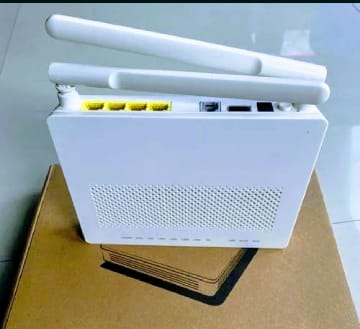

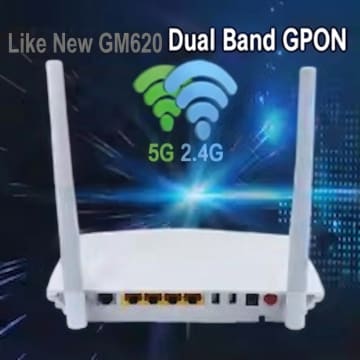
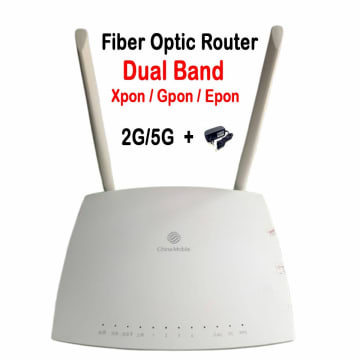

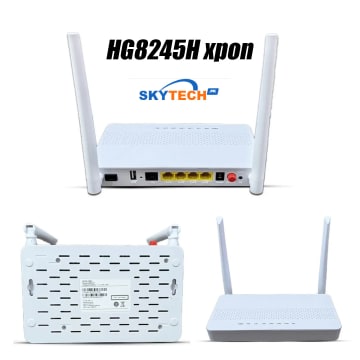
Buy WiFi Routers Online in Pakistan
Buy high-performance WiFi routers, XPON/GPON fiber ONUs, and dual-band gigabit wireless routers in Pakistan at SkyTech.pk. Our networking catalog features genuine fiber optic modems, mesh routers, and range extenders compatible with PTCL Flash Fiber, StormFiber, Nayatel, Optix, and nationwide local ISPs. Enjoy lag-free 4K streaming, smooth gaming, and robust whole-home coverage with verified technical warranty and Cash on Delivery.
Why Buy WiFi Routers From SkyTech.pk?
- ✓Dual-band Gigabit WiFi routers (AC1200, AX1800, AX3000) for high-speed fiber internet
- ✓XPON (GPON/EPON auto-switching) fiber optical terminal units with Gigabit LAN & voice ports
- ✓Universal compatibility with PTCL Flash Fiber, StormFiber, Nayatel, and local cable operators
- ✓Whole-home mesh WiFi systems designed to penetrate thick brick & concrete walls in Pakistani homes
- ✓100% Genuine networking gear with 7-day replacement guarantee and nationwide COD delivery
WiFi Routers Buying Guide & Specifications
Key factors to consider before purchasing in Pakistan
1Choosing Between an XPON ONU and a Standalone WiFi Router▾
If your fiber optic wire from your ISP terminates directly in your home with an SC/UPC fiber connector, you need an XPON/GPON ONU (such as the Huawei HG8245H or GM620). If you already have an ISP modem and need stronger wireless coverage across multiple rooms, connect a high-gain dual-band gigabit router in AP or bridge mode.
22.4 GHz vs 5 GHz Dual-Band Performance in Pakistani Homes▾
The 2.4 GHz band provides longer range and easily penetrates thick concrete and brick walls. The 5 GHz band delivers speeds up to 1200+ Mbps with low latency, ideal for gaming, Zoom video calls, and 4K streaming near the router.
3How to Configure Third-Party Routers with StormFiber and PTCL▾
Most Pakistani FTTH providers allow customer-owned ONUs via bridge mode or VLAN ID tagging. Contact your ISP helpline for your PPPoE username/password, configure WAN connection type to PPPoE, and enter the assigned VLAN ID for instant connectivity.
Frequently Asked Questions — WiFi Routers
Common queries regarding pricing, delivery, and authenticity
What is the difference between GPON and XPON fiber routers?▾
GPON routers work only on Gigabit Passive Optical Networks (up to 2.488 Gbps down). XPON routers are dual-mode and automatically adapt to both GPON and EPON Optical Line Terminals (OLTs), providing universal compatibility with all major fiber providers in Pakistan.
Can I replace my PTCL or StormFiber router with a Huawei HG8245H or GM620?▾
Yes, both Huawei HG8245H and GM620 support GPON/EPON auto-detection. Once your ISP registers the MAC address or serial number (GPON SN), you can replace or bridge your existing device for superior WiFi speed and stability.
Do WiFi routers and ONUs come with warranty at SkyTech.pk?▾
Yes, all networking routers and fiber ONUs carry official testing warranty and a 7-day hassle-free replacement guarantee across Pakistan.