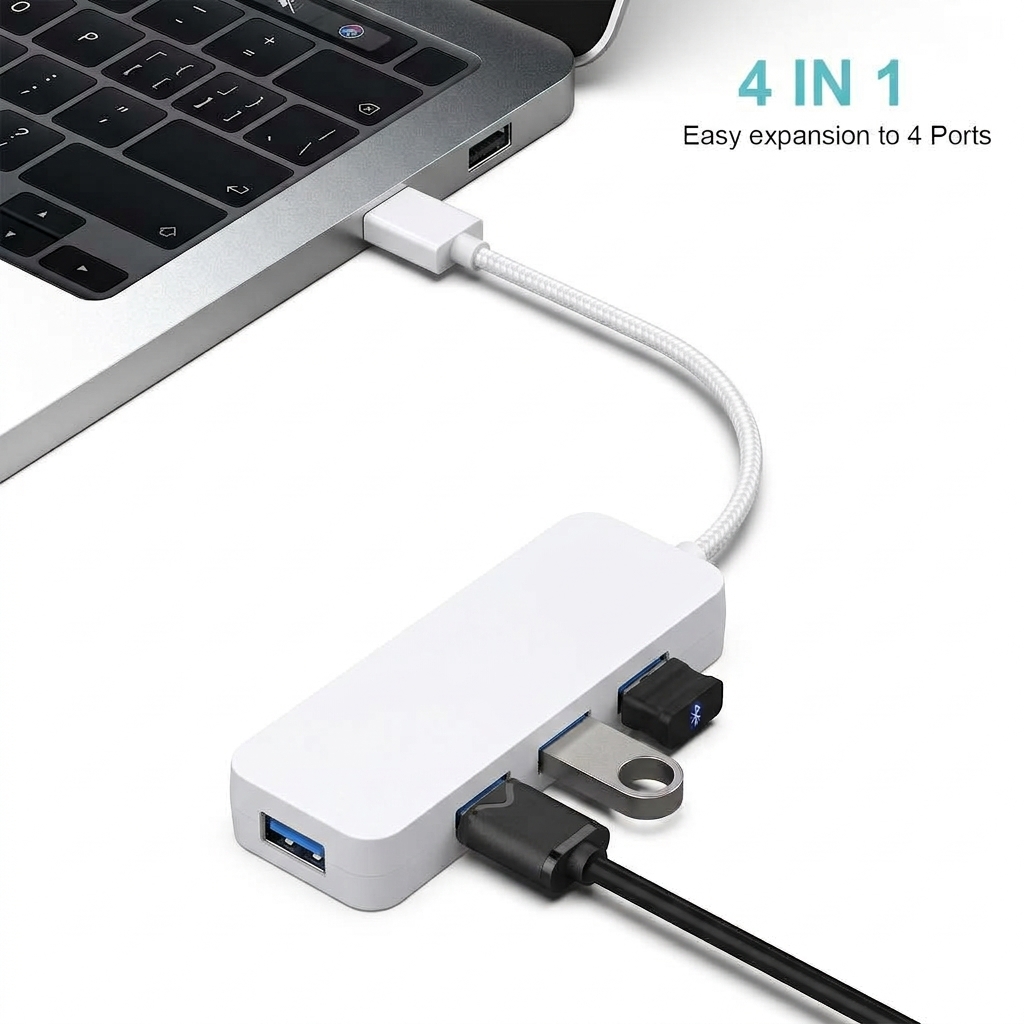
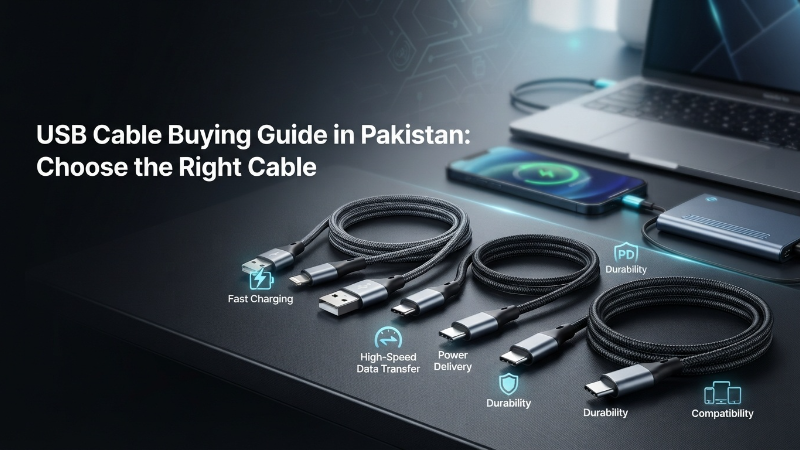
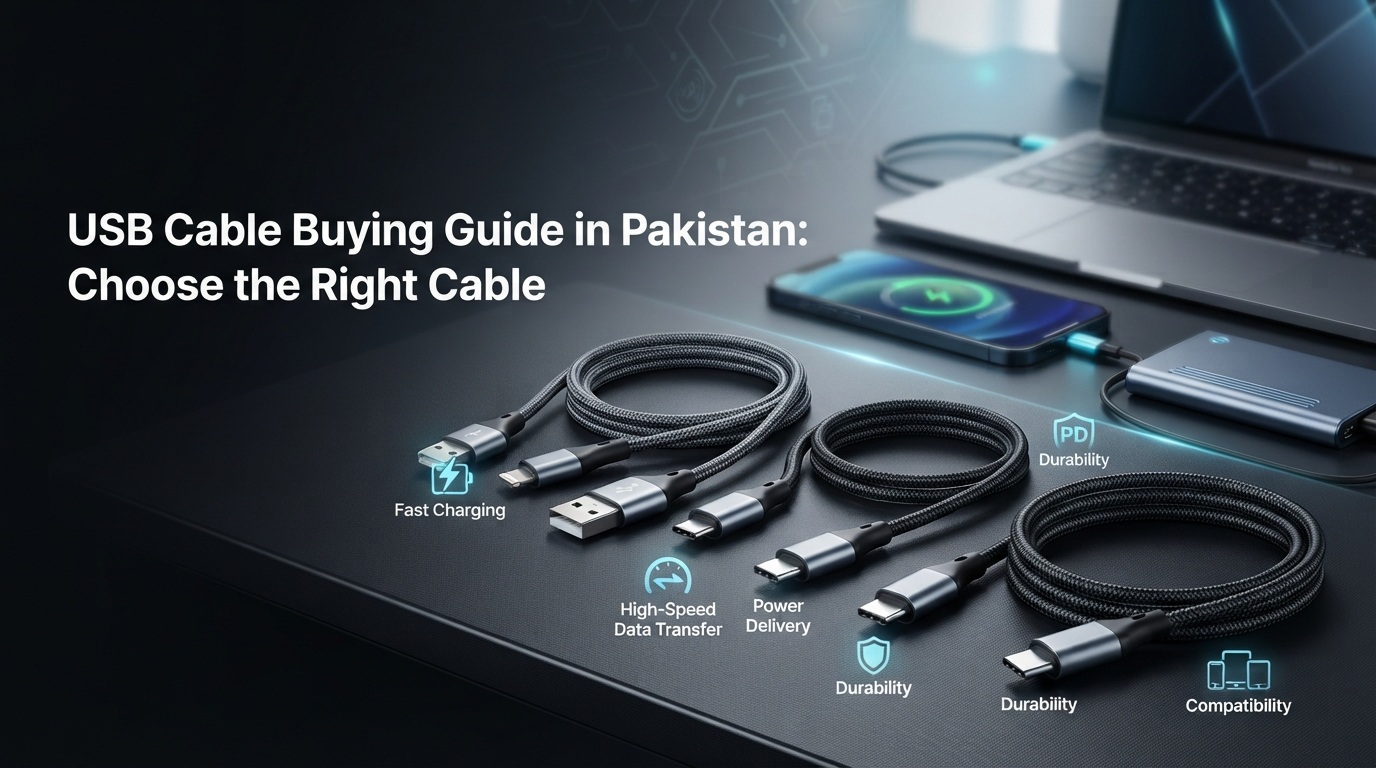
Choosing the right USB cable in Pakistan can be confusing because cables with similar connectors may support different charging speeds, data transfer rates and power capabilities.
This guide explains USB connector types, USB standards, cable length, durability and compatibility so you can choose the right cable for your phone, laptop, external drive or other device.
Understanding USB Cable Types: Connectors and Standards
USB (Universal Serial Bus) cables are primarily defined by two aspects: their physical connector shape and the underlying USB standard they support. Understanding both is crucial for making an informed purchase.
Common USB Connector Types
These are the physical ends of the cable that plug into your devices.
- USB-A (Standard USB): The most recognizable rectangular connector, typically found on computers, wall chargers, and power banks. It's usually the 'host' end of a cable.
- USB-B: A square-ish connector, less common now but still found on some printers, scanners, and older external hard drives.
- Micro-USB: A smaller, trapezoidal connector common on older Android phones, cameras, and many portable electronic devices. It's not reversible.
- Mini-USB: Even older and largely phased out, sometimes found on very old cameras or MP3 players.
- USB-C (Type-C): The newest, oval-shaped, and reversible connector. It's becoming the standard for modern smartphones, laptops, tablets, and many new peripherals due to its versatility and support for higher power and data speeds.
- Lightning: Apple's proprietary connector, exclusively used for iPhones, iPads, and some iPod models.
USB Standards: Speed and Power
Beyond the shape, the USB standard dictates the cable's capabilities, particularly its data transfer speed and power delivery.
- USB 2.0: Offers data transfer speeds up to 480 Megabits per second (Mbps). Sufficient for basic peripherals like keyboards, mice, and older printers. Charging is typically slow (up to 2.5W/500mA).
- USB 3.0 / USB 3.1 Gen 1 / USB 3.2 Gen 1: All these names refer to the same standard, offering speeds up to 5 Gigabits per second (Gbps). This is significantly faster, ideal for external hard drives, SSDs, and high-resolution webcams. Often identifiable by a blue connector inside the USB-A port. Supports faster charging (up to 4.5W/900mA, or higher with specific power delivery protocols).
- USB 3.1 Gen 2 / USB 3.2 Gen 2: Provides speeds up to 10 Gbps. Found in more modern devices requiring even faster data transfer.
- USB 3.2 Gen 2x2: Offers speeds up to 20 Gbps.
- USB4 / Thunderbolt 3/4: The latest and fastest standards, primarily utilizing the USB-C connector. USB4 can achieve up to 40 Gbps, supporting high-resolution displays, external GPUs, and blazing-fast external storage. Thunderbolt 3/4 offer similar or even greater capabilities.
💡 Pro Tip: A USB-C connector does not automatically mean it supports USB 3.2 Gen 2 or USB4 speeds. A USB-C cable can still be limited to USB 2.0 speeds if its internal wiring and the connected devices only support that older standard. Always check the product specifications.
Charging vs. Data Transfer: What's the Difference?
While most USB cables can do both, their primary function often dictates their internal wiring and performance.
- Charging Cables: Primarily designed to deliver power. Some cheaper or older cables might only have power lines and lack the data lines, meaning they can charge but cannot transfer data. These are generally not recommended as they limit functionality.
- Data Transfer Cables: Contain both power and data lines, allowing them to charge devices and transfer files simultaneously. For optimal performance, especially with fast charging and high-speed data transfer, a high-quality cable supporting the latest USB standards is essential.
Fast charging capabilities also depend on the cable's current rating (Amps), the charger's output, and the device's input. A cable rated for 3A or 5A is necessary for most fast-charging protocols (e.g., Qualcomm Quick Charge, USB Power Delivery).
Key Factors When Buying a USB Cable in Pakistan
1. Compatibility: Matching Connectors and Standards
- Device Ports: Identify the ports on your devices (e.g., USB-A on your laptop, USB-C on your new phone, Micro-USB on your old power bank, Lightning on your iPhone).
- Cable Ends: Ensure the cable has the correct connectors on both ends (e.g., USB-A to USB-C, USB-C to USB-C, USB-A to Micro-USB).
- Standard Match: For optimal performance, try to match the USB standard of the cable to that of your devices. A USB 3.0 cable connected to a USB 2.0 port will work, but at USB 2.0 speeds.
2. Cable Length: Practicality vs. Performance
- Short Cables (0.1m - 0.5m): Ideal for power banks, connecting to laptops in tight spaces, or reducing cable clutter. Less signal degradation.
- Standard Cables (1m - 2m): Most common length, suitable for desk use, charging from wall sockets, and general connectivity.
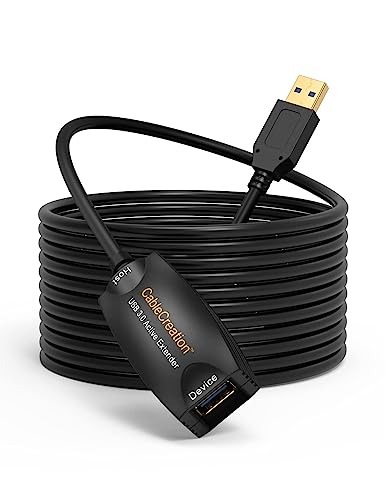
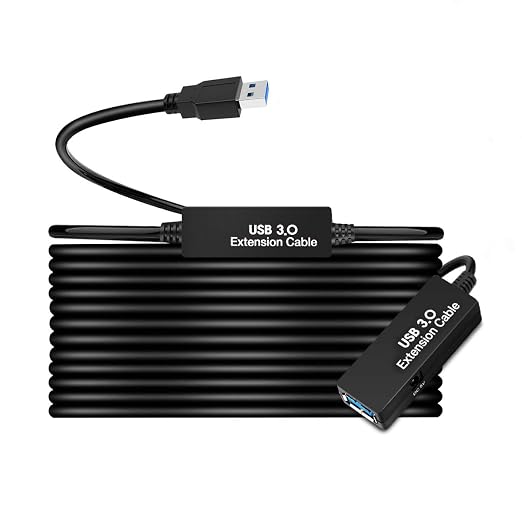
- Long Cables (3m - 5m+): Useful for reaching distant outlets or connecting peripherals far from the computer. Be aware that longer cables, especially for USB 3.0/3.2/USB4, can experience signal degradation, potentially leading to slower speeds or unreliable connections. For longer runs with high-speed requirements, consider active extension cables which incorporate signal boosters. SkyTech.pk offers solutions like the 5m Desktop SuperSpeed USB 3.0 Extension Cable for reliable long-distance connections.
3. Durability and Build Quality
In Pakistan's varied environments, a durable cable is a wise investment.
- Braided Nylon: Offers excellent resistance to fraying, bending, and tangling.
- Strain Relief: Reinforced points where the cable meets the connector reduce wear and tear from bending.
- Connector Quality: Solid metal connectors are more robust than plastic ones.
- Wire Gauge: Thicker wires (lower AWG number) generally mean better power delivery and durability, especially for charging cables.
4. Data Transfer Speed and Charging Capability
- Data Speed: If you frequently transfer large files (e.g., photos, videos, backups), invest in USB 3.0 (5Gbps) or higher cables. For example, a High Speed USB 3.0 Extension Cable can be crucial for extending high-bandwidth devices like USB WiFi adapters without performance loss.
- Charging Speed: For fast charging, look for cables that support your device's fast-charging protocol (e.g., USB Power Delivery, Quick Charge) and have a sufficient current rating (e.g., 3A, 5A).
USB Cable Comparison Table
| Feature | USB 2.0 (Type-A/B/Micro) | USB 3.0 / 3.2 Gen 1 (Type-A/B/C) | USB 3.2 Gen 2 (Type-A/C) | USB4 / Thunderbolt (Type-C) |
| :---------------- | :----------------------- | :------------------------------- | :----------------------- | :--------------------------- |
| Max Speed | 480 Mbps | 5 Gbps | 10 Gbps | 40 Gbps |
| Max Power | 2.5W (0.5A) | 4.5W (0.9A) + PD | Up to 100W (with PD) | Up to 100W (with PD) |
| Connector | USB-A, Micro-USB, Mini-USB, USB-B | USB-A (blue), USB-B, USB-C | USB-A, USB-C | USB-C Only |
| Common Use | Keyboards, mice, older phones, basic charging | External HDDs, SSDs, modern phones, fast charging | High-speed SSDs, monitors, docking stations | External GPUs, 4K/8K displays, fastest SSDs |
| Reversible | No | No (for A/B), Yes (for C) | No (for A), Yes (for C) | Yes |
How to Identify the Right Cable for Your Device
- Check Device Ports: Look at the physical ports on your phone, laptop, or peripheral. Is it a small, reversible oval (USB-C)? A flat rectangle (USB-A)? A trapezoid (Micro-USB)? Or an Apple Lightning port?
- Determine Primary Use: Do you need it mainly for fast charging, high-speed data transfer, or both?
- Consult Device Manuals: Your device's manual will specify the supported USB standard (e.g., USB 3.0, USB-C with Power Delivery) and charging requirements.
- Look for Markings: Quality cables often have markings indicating their standard (e.g., 'SS' for SuperSpeed USB 3.0, a lightning bolt for Thunderbolt).
Common Mistakes to Avoid When Buying USB Cables in Pakistan
- Prioritizing Price Over Quality: Cheap cables often use inferior materials, leading to slow charging, data loss, and rapid wear. Investing in a slightly more expensive, reputable brand saves money in the long run.
- Ignoring USB Standards: Buying a USB 2.0 cable for a USB 3.0 device will bottleneck your speed, even if the connectors fit.
- Incorrect Length: Too short can be inconvenient; too long can cause performance issues, especially with older standards or unpowered extension cables.
- Buying Power-Only Cables for Data Needs: Always ensure the cable supports data transfer if you need it.
- Using Non-Certified Lightning Cables: For Apple devices, always opt for MFi (Made For iPhone/iPad) certified Lightning cables to avoid compatibility issues and potential device damage.
🛍️ Recommended Products for Pakistani Buyers
To help you find reliable options, SkyTech.pk features high-quality USB cables suitable for various needs in Pakistan:
- For High-Speed USB 3.0 Extensions: If you need to extend a USB 3.0 connection for external drives, webcams, or even USB WiFi adapters, the High Speed USB 3.0 Extension Cable (1m, 3m, 5m) offers versatile lengths and reliable performance.
- For Long-Distance Active USB 3.0 Connectivity: When signal integrity over longer distances is critical, especially for high-bandwidth devices, consider the 5m Desktop SuperSpeed USB 3.0 Extension Cable which includes an active repeater to maintain signal strength.
- For Slim & Flexible USB 3.0 Extensions: The Ultra Flat Slim USB 3.0 Extension Cable 1.5m 5Gbps White is an excellent choice for tidy cable management in tight spaces while ensuring full USB 3.0 speeds.
High-Intent FAQs for USB Cable Buyers in Pakistan
Q1: Can I use a USB-C cable for fast charging my older Android phone?
A1: Only if your older Android phone has a USB-C port and supports a fast-charging protocol compatible with a USB-C charger. Many older Android phones use Micro-USB, requiring a USB-A to Micro-USB cable.
Q2: Why is my external hard drive slow even with a USB 3.0 port?
A2: Ensure you are using a USB 3.0 compatible cable (often identified by blue internal connectors on USB-A ends) and that both your external hard drive and the computer port are indeed USB 3.0 or higher. If using a long cable, consider an active USB 3.0 extension.
Q3: Are all USB-C cables the same?
A3: No. While they share the same physical connector, USB-C cables vary significantly in the USB standard they support (e.g., USB 2.0, USB 3.2 Gen 2, USB4) and their power delivery capabilities. Always check specifications for speed and wattage.
Q4: How can I tell if a USB cable supports fast charging?
A4: Look for specifications indicating support for specific fast-charging protocols (e.g., USB Power Delivery (PD), Quick Charge (QC)), higher current ratings (e.g., 3A, 5A), and appropriate voltage (e.g., 9V, 12V, 20V) if mentioned. Higher quality cables will explicitly state these features.
Q5: Is it safe to buy generic USB cables from local markets in Pakistan?
A5: While often cheaper, generic cables may not meet safety standards, leading to slow charging, data corruption, or even damage to your devices due to inadequate wiring or lack of proper shielding. It's recommended to purchase from reputable retailers like SkyTech.pk to ensure quality and reliability.
Q6: What is an active USB extension cable and why would I need one?
A6: An active USB extension cable contains a signal booster to maintain data integrity and speed over longer distances (typically 5 meters or more). You would need one if you're experiencing slow speeds or disconnections with passive long cables, especially for high-bandwidth devices like external hard drives or webcams.
Conclusion
Before buying a USB cable, first check your device connector, required charging power and data transfer speed. Then choose the right cable length and build quality. If you need to extend a USB connection, select a compatible USB extension cable based on the distance and speed you require.